
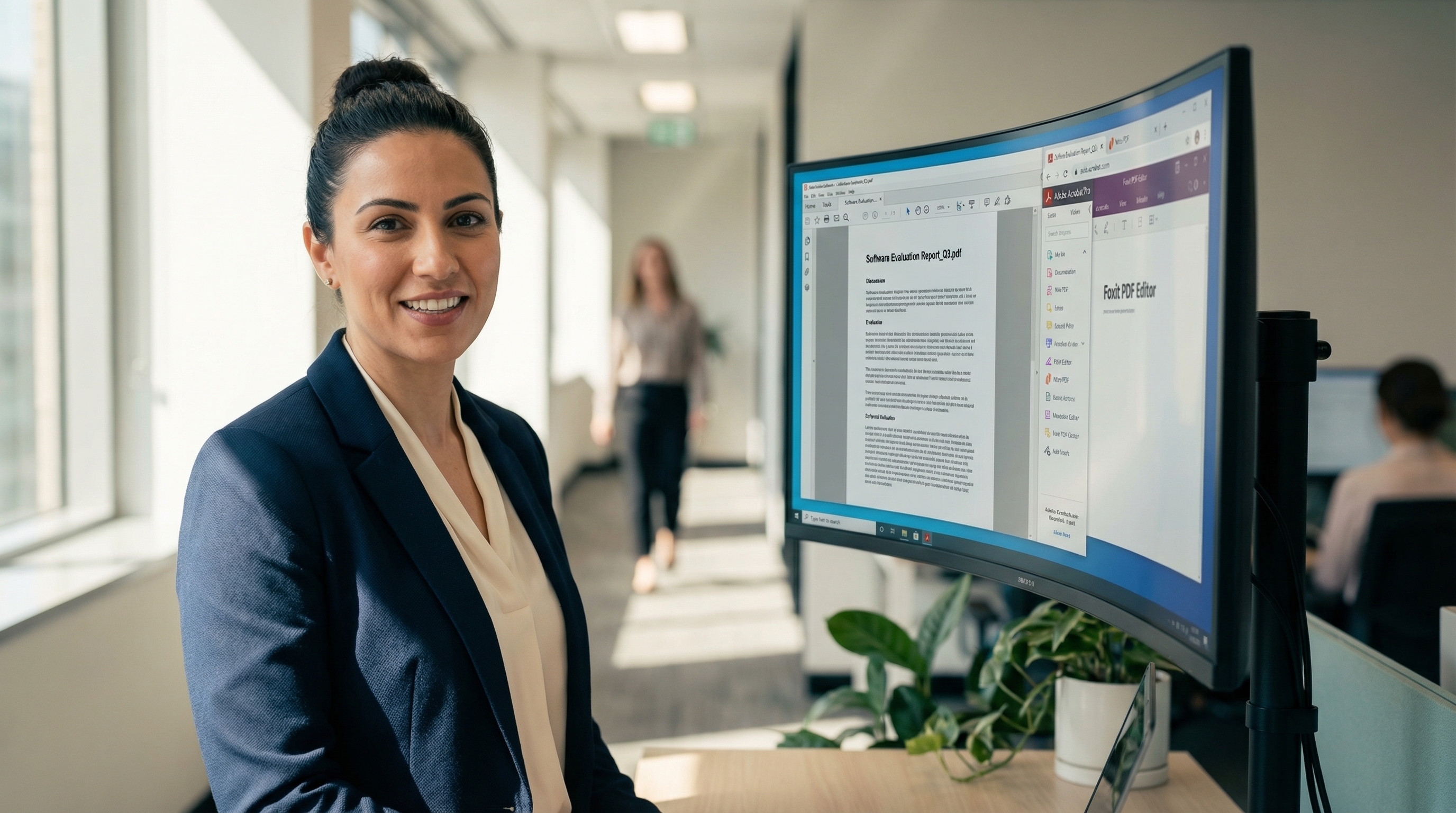
Adobe Acrobat Alternatives in Australia -- Comparable Features at a Lower Cost

Adobe Acrobat is the default choice for PDF software in many Australian organisations. It works well, it is widely recognised, and procurement teams are familiar with it. But default does not always mean best value — and as Adobe Acrobat subscription costs continue to rise, a growing number of Australian businesses and government agencies are evaluating alternatives.
This guide compares the strongest Adobe Acrobat alternatives available in Australia, with verified AUD pricing and an honest assessment of where each product fits.
Why Look Beyond Adobe Acrobat?
The core consideration is cost. Adobe Acrobat Pro for individuals is A$383.88 per year inc GST. Acrobat Pro for teams (which adds administrative features) is A$419.88 per year inc GST. Both prices are listed on adobe.com/au (verified March 2026). These are subscription fees — you pay every year, and if you stop paying, you lose access to the software.
For a single user, that may be acceptable. For a team of 10 or more, the three-year cost adds up:
- Adobe Acrobat Pro (individual), 10 users, 3 years: A$11,516
- Adobe Acrobat Pro for teams, 10 users, 3 years: A$12,598
There is no perpetual licence option for Adobe Acrobat. You pay an ongoing subscription fee to retain access.
The second consideration is feature overlap. Many organisations pay for Adobe Acrobat Pro when Standard would suffice — or when an alternative product covers their needs at a lower cost. Paying for capabilities you do not use is a common and avoidable expense.
The Strongest Adobe Acrobat Alternatives in Australia
Tungsten Power PDF Advanced — A$261 inc GST (one-time)
Power PDF Advanced is one of the strongest direct alternatives to Adobe Acrobat Pro for Australian organisations. It covers the same core desktop capabilities — PDF editing, conversion, form filling, e-signatures, redaction, Bates numbering, batch processing, and SharePoint integration — at a fundamentally different price point.
The key difference is licensing. Power PDF Advanced is a perpetual licence. You pay A$261 per user once and own the software permanently. No annual renewals, no subscription fees, no forced upgrades.
For 10 users over three years:
- Power PDF Advanced: A$2,610 (one-time)
- Adobe Acrobat Pro (individual): A$11,516 (subscription)
- Adobe Acrobat Pro for teams: A$12,598 (subscription)
That represents a potential saving of approximately A$9,000 to A$10,000 for comparable core desktop functionality. Adobe Acrobat does offer stronger cloud and mobile capabilities, so the comparison is most relevant for organisations focused on desktop PDF editing. See our detailed Adobe Acrobat Pro vs Tungsten Power PDF comparison for a feature-by-feature breakdown.
Power PDF is deployed in government agencies across Australia and is supported locally, with enterprise software deployment experience since 2003.
Power PDF Standard (A$188 inc GST) is available for users who need core editing without enterprise features. A Mac edition is also available.
Foxit PDF Editor
Foxit is a well-established alternative to Adobe Acrobat with a strong feature set including PDF editing, annotations, form design, e-signatures, and cloud collaboration. The Foxit PDF reader is free and widely used.
Foxit uses subscription pricing for its editor product (as of March 2026). It is typically less expensive than Adobe Acrobat on a per-user basis, but more expensive than Power PDF over time since Power PDF is a one-time purchase.
Foxit may suit organisations that prefer cloud-first workflows and are comfortable with ongoing subscription costs.
Nitro PDF Pro
Nitro PDF targets the business market with a polished interface and good Microsoft Office integration. The product covers PDF editing, conversion, digital signatures, and document analytics.
Nitro also uses subscription pricing (as of March 2026). It positions itself as a modern alternative to Adobe Acrobat for teams, with competitive per-user pricing. However, like all subscription products, the cost accumulates over time.
PDF-XChange Editor
PDF-XChange is a Windows-only PDF editor with a generous free tier and a reasonably priced paid version. The editor includes text editing, annotations, OCR, stamps, and form filling. It is popular with individual users and small teams who want capable PDF editing software without the cost of Adobe Acrobat.
PDF-XChange is less suited to enterprise deployment — it lacks the DMS integrations and batch processing capabilities that larger organisations typically need.
Free Alternatives
For basic PDF tasks, several free options exist. Adobe Acrobat Reader (free) handles viewing, annotations, and form filling but does not include editing. Browser-based tools like Sejda and Smallpdf cover merging, splitting, and light editing with usage limits. LibreOffice Draw can open and make basic edits to PDF files.
Free tools are adequate for occasional personal use. They are generally not a realistic replacement for Adobe Acrobat in a business or government environment.
Making the Switch
Migrating from Adobe Acrobat to an alternative product is often less disruptive than organisations expect. PDF is an open standard — all compliant editors read and write the same files. The core workflows (editing, converting, signing, redacting) transfer directly.
The practical steps are straightforward: evaluate your current Adobe Acrobat usage to confirm which features your team actually uses, trial the alternative product in your environment, and deploy. Most teams are fully operational within a day.
For a broader look at PDF editors including free options, see our best PDF editor comparison. For pricing details, see our pricing comparison.
The fastest way to create the documents in the first place is voice. Pairing PDF software with dictation software lets professionals dictate three times faster than typing, and the output flows straight into a PDF workflow.
Tungsten Power PDF is available as a free 15-day trial with full functionality. Contact us to arrange access with local onboarding support.
Pricing sourced from adobe.com/au, March 2026. Software vendors may change pricing without notice. Verify current pricing directly with the vendor before making purchasing decisions.

Ready to see PDF Software Australia in your organisation? Get a free trial and tailored proposal.
Request Information